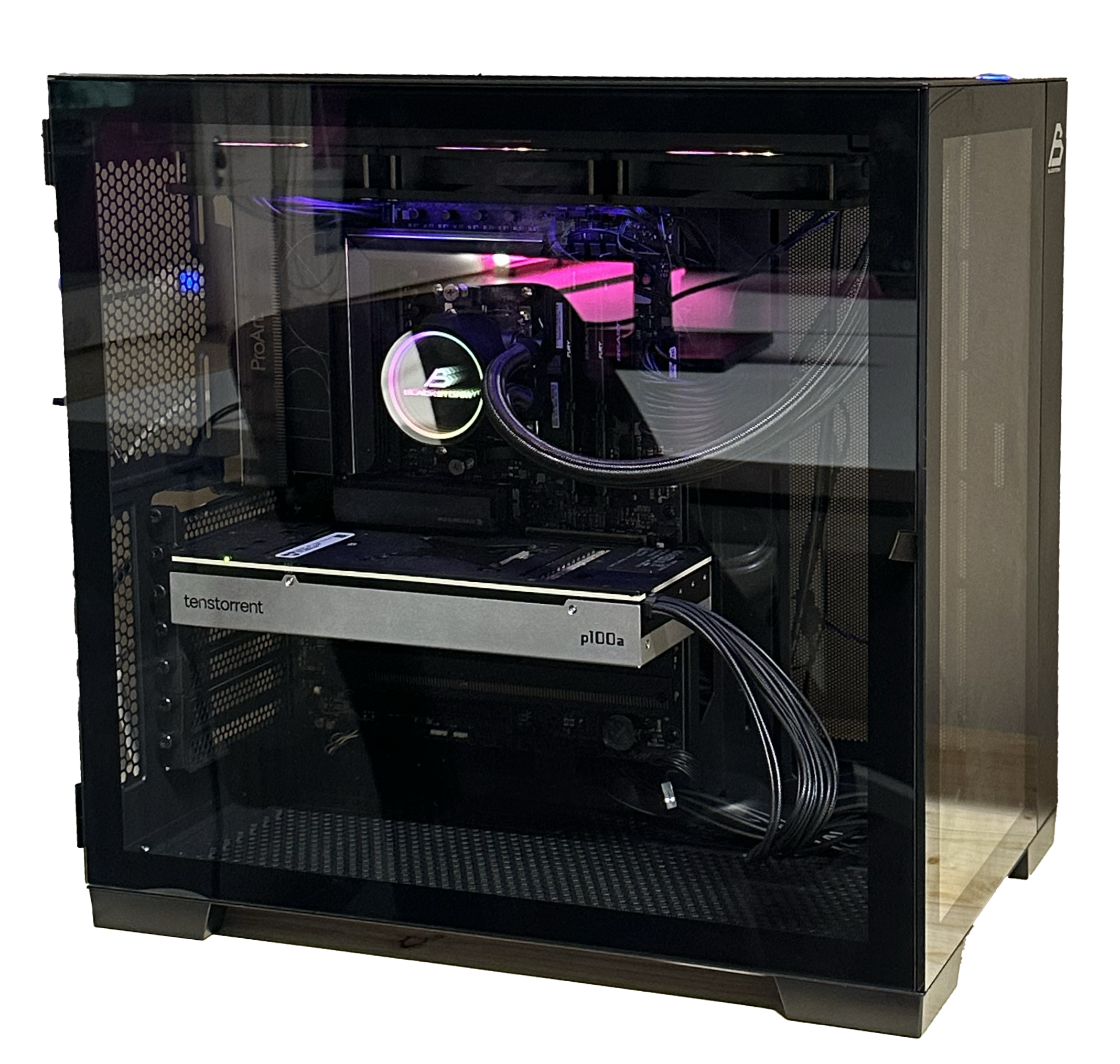
Shelby custom AI workstation
Shelby Computer
Shelby is a custom-built AI workstation designed for computationally demanding research and prototyping. At its core is an AMD Ryzen 9 9950X3D CPU paired with the Tenstorrent Blackhole™ P100a accelerator, supported by 64GB of high-speed DDR5 RAM and a Samsung 990 PRO 2TB NVMe SSD for fast data access. The system is housed in a Blackstorm Artemis A711G ATX case with liquid cooling and a 1200W PSU, ensuring stable performance during sustained workloads.
With this setup, Shelby can train and fine-tune large AI models such as LLMs, vision transformers, and diffusion architectures. It is well-suited for reinforcement learning experiments, real-time vision inference, robotics control, and compiler research for emerging RISC-V accelerators. Compared to conventional GPU workstations, it offers a unique blend of CPU power and accelerator efficiency for both mainstream and experimental AI workflows.
To get started, install a Linux distribution (Ubuntu is recommended) and configure the Tenstorrent software stack. After setting up the drivers, you can use standard ML frameworks such as PyTorch or TensorFlow together with the Tenstorrent SDK. Containerization with Docker or environment managers like Conda is strongly encouraged to keep experiments reproducible. Begin with smaller models to validate the environment before scaling up.
Shelby enables projects ranging from domain-specific LLM training and multimodal AI exploration to robotics simulations, real-time computer vision, and experimental AI compiler development. Teams can use it as a shared compute backbone for prototyping ideas that are otherwise too resource-intensive for laptops or cloud credits.
There are important limitations to keep in mind. The system has a high power draw and heat output, requiring proper ventilation and cooling. The Tenstorrent ecosystem is less mature than CUDA, so expect a steeper learning curve, additional debugging, and performance tuning. Advanced projects may require compiler-level optimization for full efficiency.
Before using Shelby, users should be comfortable with Linux, Docker or Conda environments, and at least one deep learning framework (PyTorch or TensorFlow). Familiarity with containerized workflows and debugging hardware-accelerated ML environments will make onboarding smoother and reduce time spent on setup issues.
Related Hardware
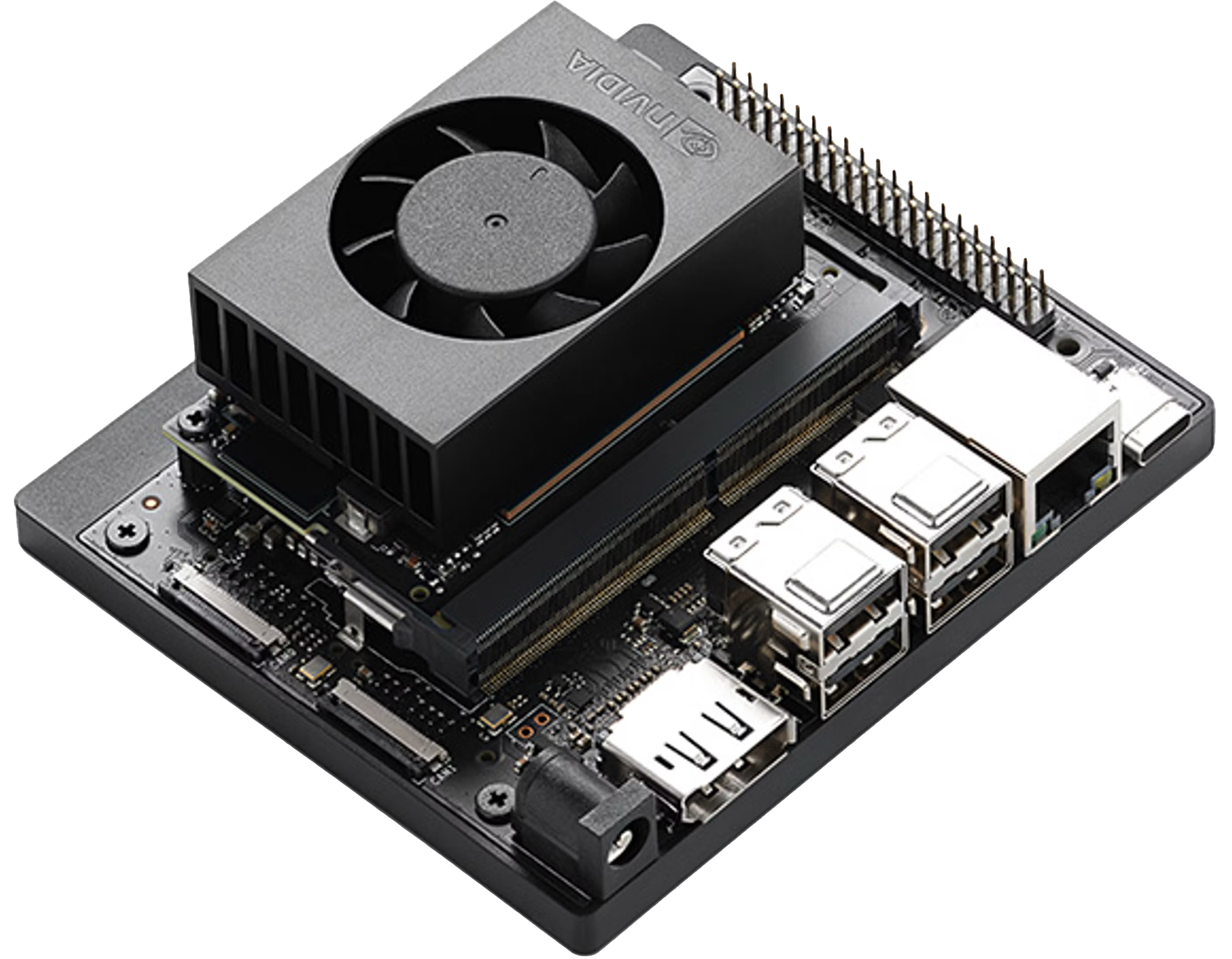
NVIDIA Jetson Orin Nano Super
Compact edge AI module delivering 67 TOPS with Ampere GPU (1024 CUDA, 32 Tensor cores), 6-core Arm A78AE...
Compact edge AI module delivering 67 TOPS with Ampere GPU (1024 CUDA, 32 Tensor cores), 6-core Arm A78AE CPU, 8GB LPDDR5 (102 GB/s), and 7–25W configurable power. Optimized for running LLMs, vision models, and robotics...
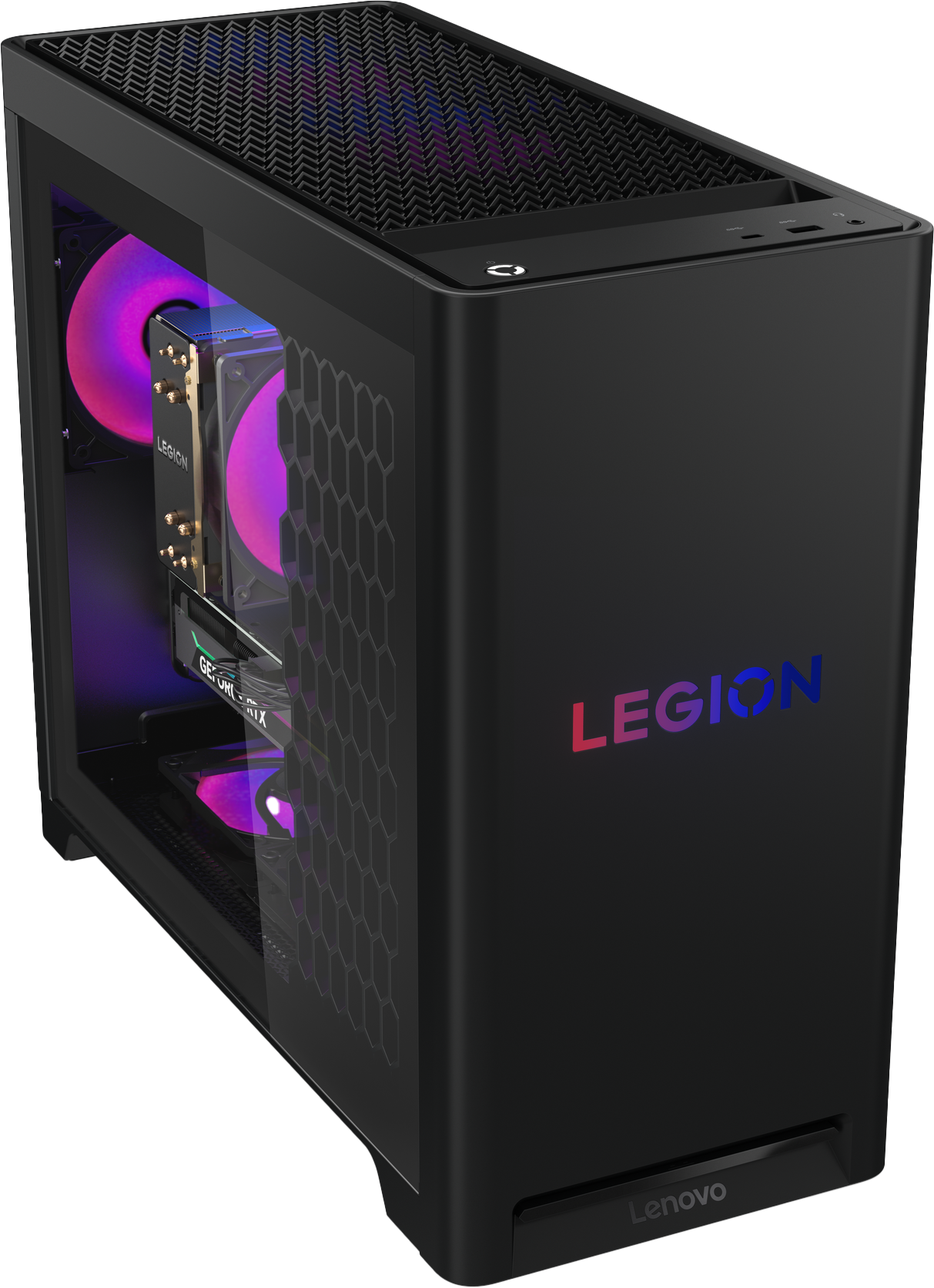
Lenovo Legion Tower 5 Gen 10
A balanced workstation built with AMD Ryzen 7 7700X and NVIDIA RTX 5070 (12GB), 32GB DDR5-5600, and 1TB...
A balanced workstation built with AMD Ryzen 7 7700X and NVIDIA RTX 5070 (12GB), 32GB DDR5-5600, and 1TB PCIe 4.0 NVMe. Suitable for gaming, AI inference, 3D content creation, XR prototyping, and multitasking workflows like...
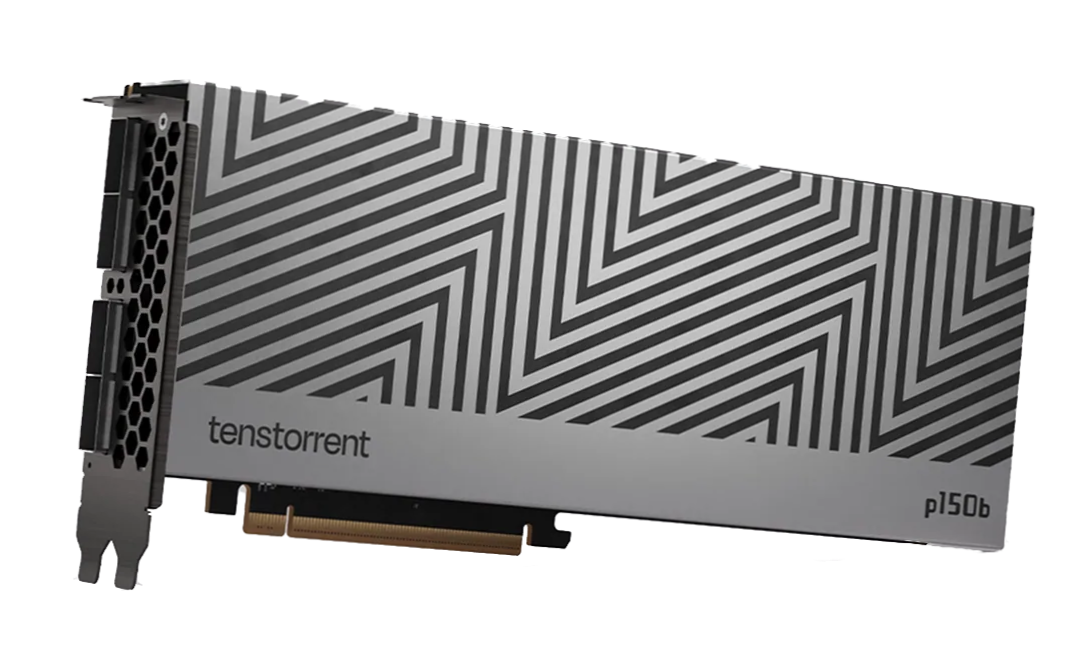
Tenstorrent Blackhole™ p100a
The Tenstorrent Blackhole™ p100a is a PCIe accelerator card with 16 RISC-V cores and 28 GB of GDDR6...
The Tenstorrent Blackhole™ p100a is a PCIe accelerator card with 16 RISC-V cores and 28 GB of GDDR6 memory. Designed for AI training and inference, it operates at up to 300W in an active-cooled desktop...